About Pixel Paint
Pixel Paint is a calm colour-by-number game. Pick a picture from seven groups — Simple, Cute, Animals, Food, Objects, Nature and Mandalas — and bring it to life one cell at a time. Every cell shows a number, and every number is a colour in the palette. When you choose a colour, its cells light up so they are easy to find.
There are 31 hand-made pixel pictures, from a kitten, a teddy and a penguin to a cupcake, a rocket and a rainbow, plus twelve mandalas. Your painting is saved after every stroke, so you can stop halfway and carry on later.
How to Play
- Choose a group, then tap a picture to open it.
- Pick a colour at the bottom (or on the right on a computer). Its cells glow.
- Tap a cell with that number to paint it, or drag across many cells at once.
- Zoom with + and -, by pinching, or with the mouse wheel. Move around with two fingers or a right-click drag.
- Finish every colour to complete the picture.
Tips
- Start with colour 1 — it is always the biggest area.
- Tap 🔍 to jump to a cell you have missed.
- Each colour has a ring that fills up as you paint and turns into a ✓ when it is done.
- Tap ♫ to turn the calm music on or off.
Progress is saved automatically in your browser, so you can come back later on this device.
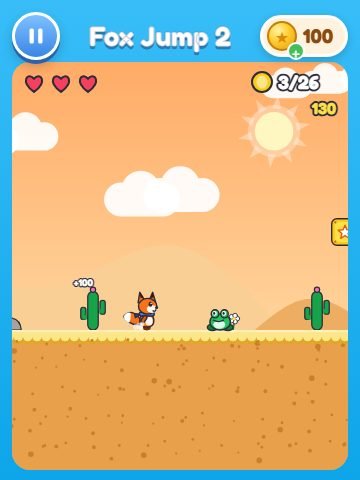 🦊 Fox Jump
 🎹 Music Tiles
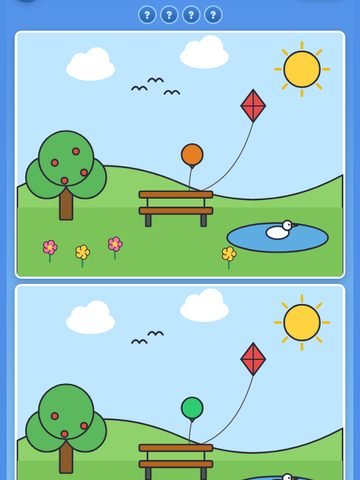 🔍 Find The Change
 👗 Style Studio
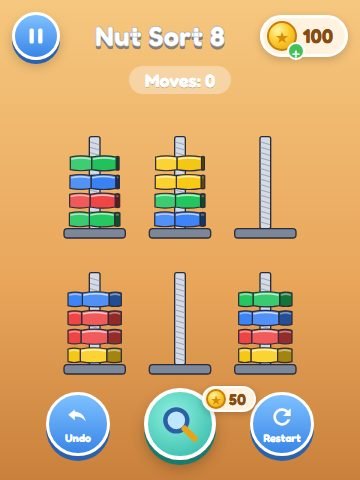 🔩 Nut Sort
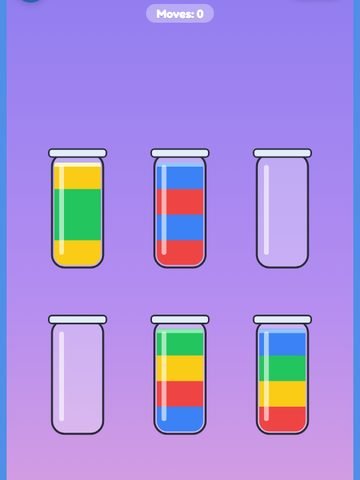 🫙 Color Jars
 🪛 Screw Pin
 🚗 Car Parking Jam
 🀄 Tile Match
 🔧 Pipe Connect
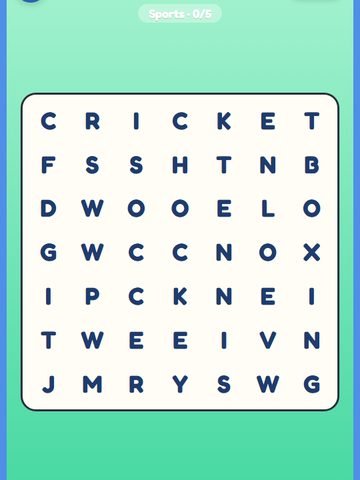 🔤 Word Search
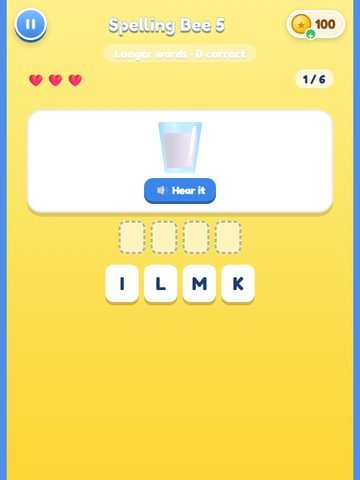 🐝 Spelling Bee
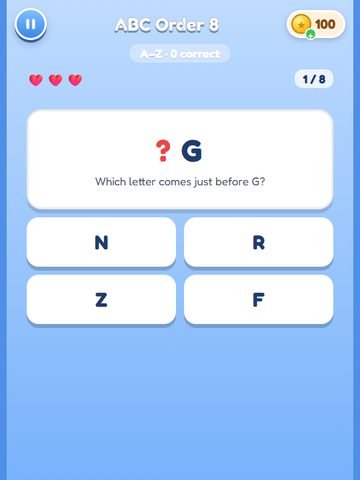 🔤 ABC Order
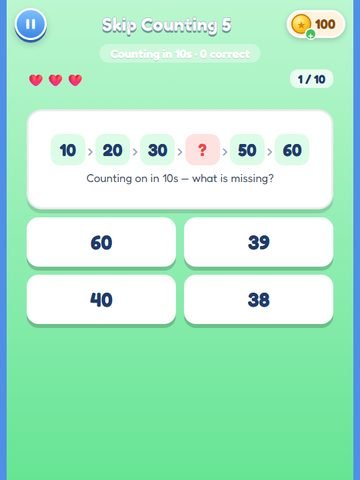 🦘 Skip Counting
 🔢 Number Fun
 ✖️ Times Tables