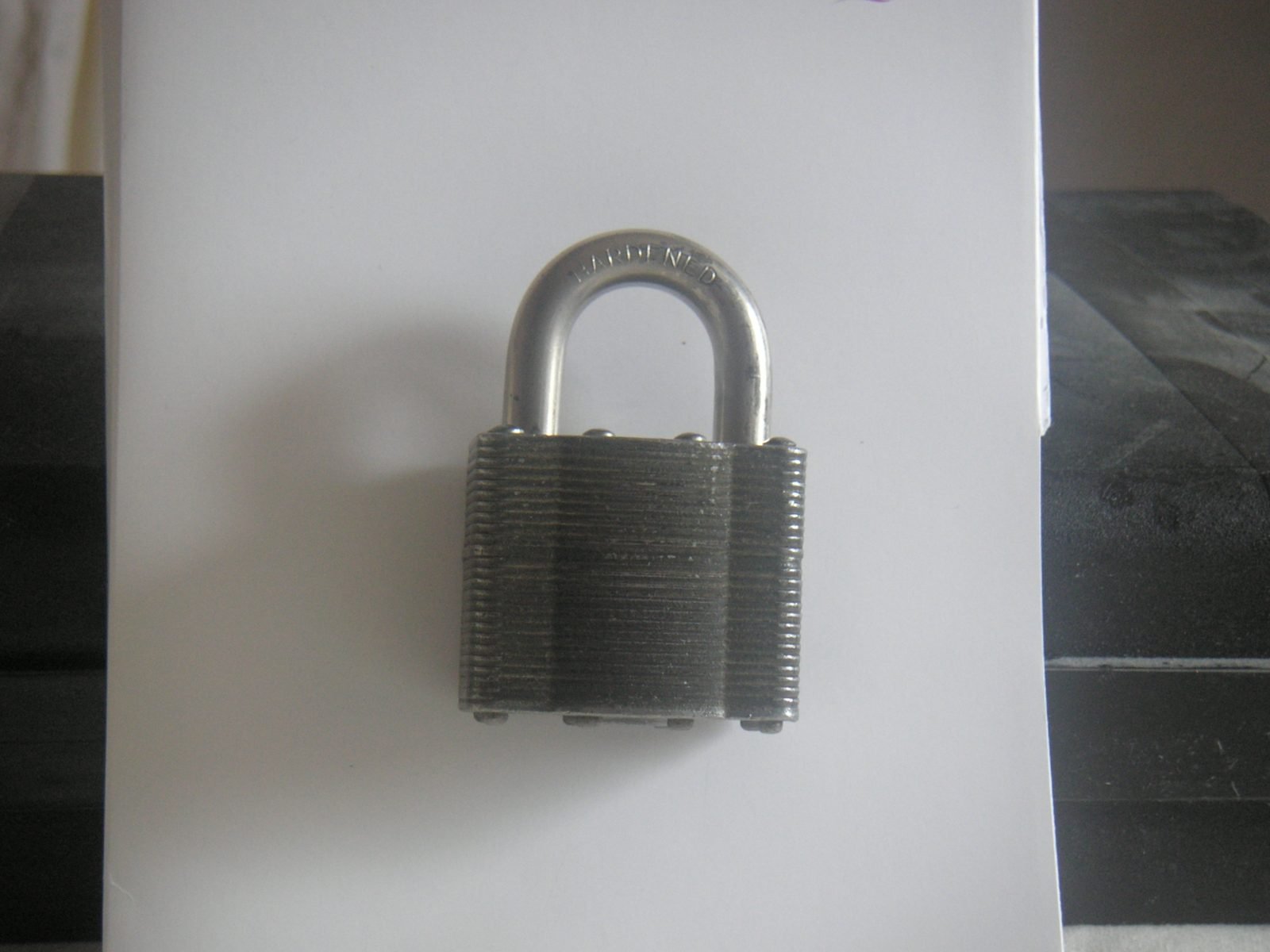
A PDF with no password can be opened by absolutely anyone who gets hold of the file — attached to the wrong email, left in a shared folder, or forwarded further than intended. Here's how PDF passwords actually work, when to add one, and how to safely remove one later.
What a PDF Password Actually Does
Setting a password on a PDF adds what's called an open password: the file simply won't render at all in any viewer until the correct password is entered, regardless of where a copy of the file ends up. It's a lock on the file itself, not on any particular email or storage location — which is exactly why it protects the document even after it's been forwarded or downloaded elsewhere.
When to Password-Protect a PDF
- Emailing a payslip, tax document, or bank statement
- Sending a signed contract that shouldn't be forwarded without the recipient controlling access
- Archiving personal documents (passport scans, IDs) on a shared or cloud drive
What a Password Does — and Doesn't — Protect Against
An open password gates access to the file entirely: no password, no view. It's a single, simple lock — it doesn't separately restrict printing, copying text, or editing once someone has entered the correct password. If you need more granular permissions, that requires a more advanced permissions-based protection scheme rather than a single open password.
Removing a Password You Already Have Access To
If you password-protected a file yourself and no longer need the restriction, or you've inherited an old document with a password everyone on the team already knows, you can remove it — but only if you already know the current password. A legitimate PDF unlock tool works the same way a PDF viewer does: you enter the password you already have, and it saves a copy without that requirement going forward. It does not guess, crack, or bypass a password you don't know.